Quick answer
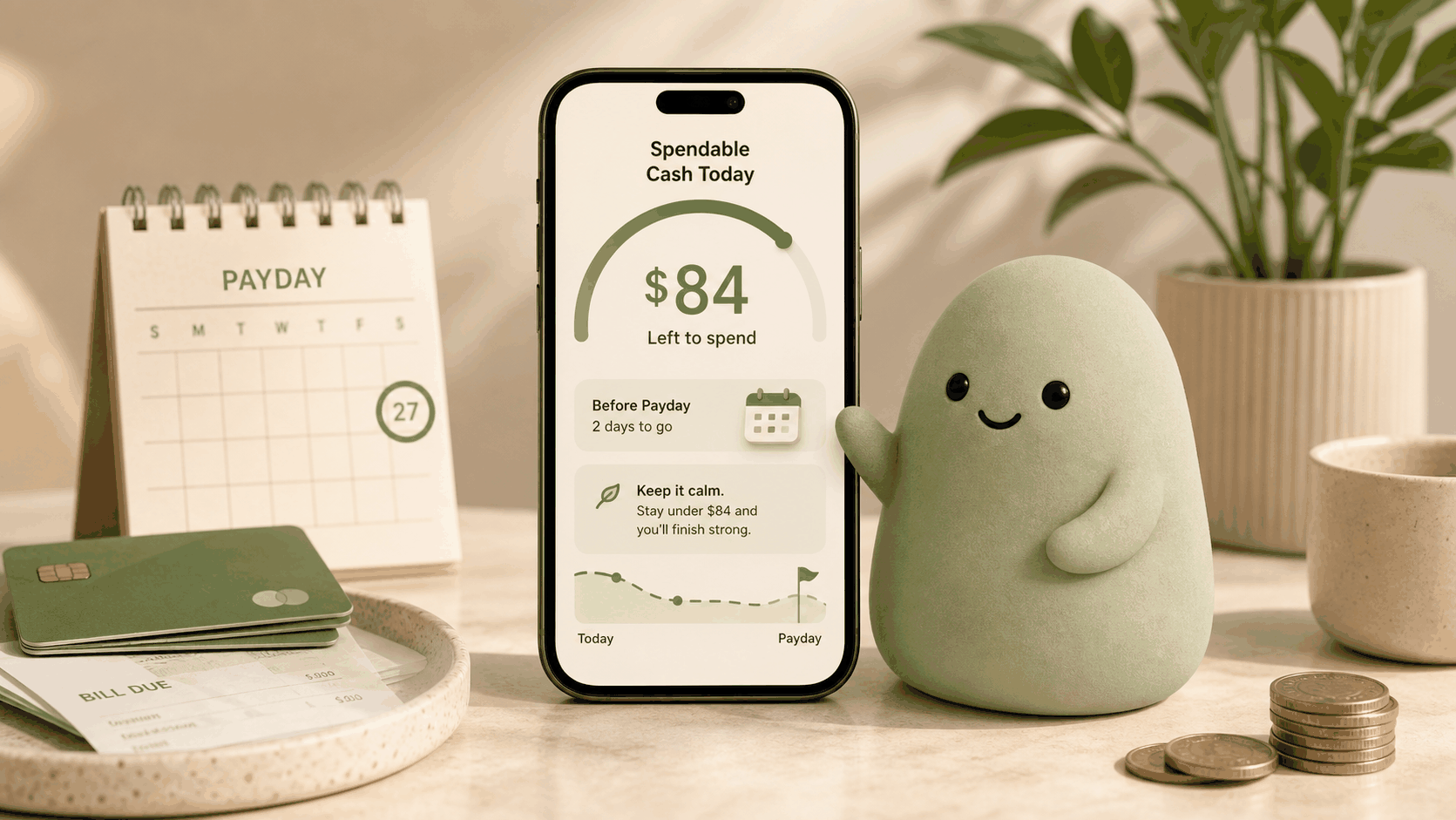
To stop impulse spending before checkout, pause and check your Spendable Cash Today, the amount truly available after upcoming bills and commitments. This one-number check replaces the misleading bank balance you see in your banking app and gives you a realistic decision point. You don’t need a budget, categories, or willpower alone. A 10-second glance at Pip before you swipe, tap, or click “buy” is enough. It works because it surfaces the trade-off instantly, turning an automatic purchase into a deliberate moment.
What a realistic checking-account example looks like
Even when your balance looks comfortable, upcoming obligations can shrink what’s actually available for everyday spending. Here’s a typical mid-week snapshot for someone paid bi-weekly.
If this person only looked at the $2,150 balance, a $90 impulse purchase would feel trivial. The Spendable number, however, reveals that the purchase would eat 13% of what’s truly available before payday-making it easier to pause and reconsider.
How to estimate it
You can estimate the same number Pip calculates: Estimated spendable today = usable cash - near-term bills - protected savings - already-committed card/debit spending - other known obligations.
Start with the balance in your primary checking account. Subtract any bills that will hit before your next paycheck-rent, utilities, phone, subscriptions, and debt payments. Then set aside money you’ve earmarked for savings or large upcoming expenses, like a car insurance payment due next month. Finally, subtract payments that have been authorized but haven’t cleared yet, such as a restaurant tab that’s still pending or a check you mailed. The remainder is what you can use for impulse buys without accidentally dipping into committed funds.
A quick daily glance at this number helps you treat it as your actual balance, turning checkout into a check-in instead of an automatic buy.
What can make this estimate wrong
Several factors can throw off the number, whether you do it by hand or rely on an app like Pip:
- Stale bank connections: If a linked account hasn’t refreshed, the number may be a few hours behind.
- Pending transactions that appear late: Some card authorizations show up days after the swipe, distorting the available picture.
- Unexpected bills or refunds: A surprise medical bill or a delayed reimbursement can change the cushion dramatically.
- Missing accounts: If a savings or credit union account isn’t included, committed payments from that account aren’t subtracted.
- Mental math errors: Doing the calculation in your head while standing in line invites mistakes.
Because of these limits, Pip’s automated number is safer than a bank app glance, though it still depends on current data and the accounts you’ve connected.
How Pip handles it
Pip boils down the estimate into one number: Spendable Cash Today. It adds up balances from your connected checking and savings accounts, then subtracts upcoming bill estimates and pending transactions. The app is read-only, so it does not move money and does not store bank usernames or passwords. It only needs a secure, one-time snapshot of your transactions to produce the signal.
Instead of giving you a budget or a pie chart, Pip shows one number with a simple color: green when you have room, amber when money is tight. You can check it in the 10 seconds before you walk into a store or tap “pay now.” For a deeper look at how the math works, see How the number works, and for security details, visit Security.
Because Pip cannot see future transactions you haven’t scheduled, and it never offers investment or credit advice, the number is decision support, not financial advice. It’s designed to help you pause and choose intentionally, without replacing your own judgment.
FAQ
How does checking my available for today stop impulse spending?
It breaks the automatic “I want it, I’ll buy it” loop. A number that already reflects bills and savings makes the trade-off clear: buy now and have less later. That pause is often enough to skip something you don’t truly need.
Do I need a budget to stop impulse spending?
No. Budgets usually demand categorizing every expense and sticking to strict limits, which gets old fast. Pip swaps that for a single daily number. You check whether today’s figure can handle the purchase, then decide. For a comparison, read How to make a spending decision without a budget.
What if Pip’s number says I can’t afford something I want?
The number is a signal, not a gatekeeper. It shows that buying now would pull from money set aside for bills or savings. You can still go ahead (life isn’t a spreadsheet), but knowing that often makes you pause. Many people find that simply seeing the amber number is enough to walk away or wait.
Can I use Pip on my phone at the store?
Yes. The app is built for a quick glance. Open Pip, read the number, and make your call. There’s no need to log into online banking, scan statements, or calculate anything. The whole check takes under 10 seconds.
Does Pip track every purchase?
No. Pip doesn’t ask you to log receipts or type in transactions. It automatically reads authorized charges from your connected accounts, so Spendable updates as you spend. You stay in the loop without the hassle of manual tracking.
Source notes
Pip uses a read-only account connection, does not move money, does not store bank usernames or passwords, and is not financial advice. The approach described here combines behavioral-economics insights about pausing before buying with Pip’s ability to surface a true after-bills spending signal. For more on why a raw bank balance is misleading, see Why your bank balance is misleading. For the foundational concept behind the number, read What is Spendable Cash Today?. This article reflects Pip’s current product as of early 2026; features and security practices evolve, but the core read-only, no-money-movement guarantee remains unchanged.