Quick answer
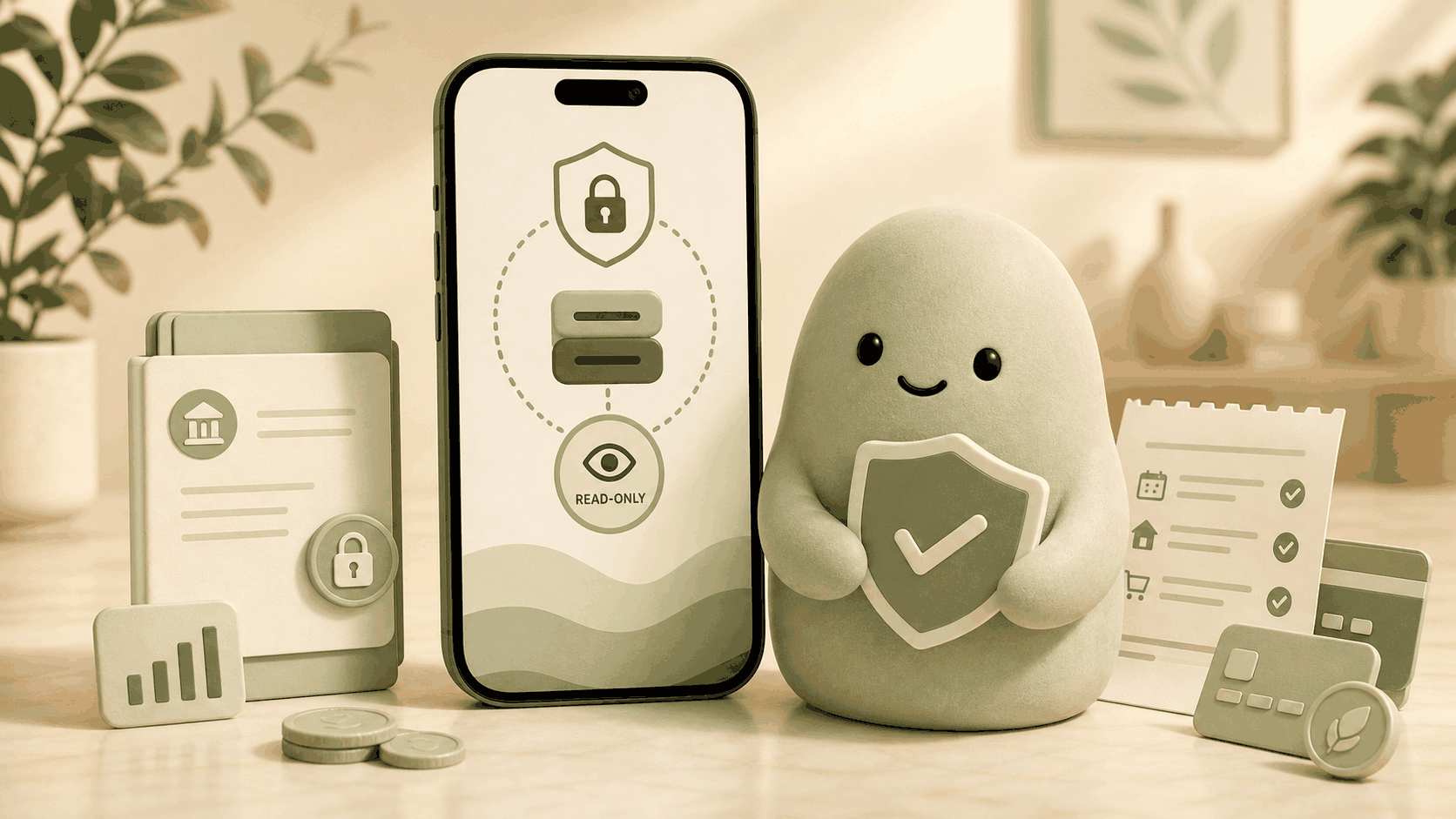
A money app that does not move my money stays read-only: it can see your balances and transactions but never touches a penny. Pip is exactly that, a read-only companion that gives you one simple number each morning, Spendable Cash Today. There is no money movement, no bill pay, and no hidden permission to transfer funds. You get a clear signal of what is available for today without worrying that the app will reach into your bank account.
A realistic dollar example

How to estimate it
You don’t need a category budget to rely on a read-only money app. The approach is simple: subtract what’s already spoken for from the cash you can see, then spread the rest across the days left until your next deposit.
Begin with your main checking balance, the cash that’s actually available for spending. From that, subtract any bills or subscriptions due before your next payday: rent, utilities, phone plan, streaming services, and anything else that will automatically deduct. Next, set aside a small savings buffer you don’t want to touch, maybe a couple hundred dollars that act as a safety net. Then subtract any debit card purchases you’ve already made that haven’t cleared yet, because that money is already committed. Finally, take whatever is left and divide it by the number of days until your next reliable deposit.
This back-of-the-envelope calculation matches the formula Pip uses so you don’t have to do the math:
Estimated spendable today = usable cash – near‑term bills – protected savings – already‑committed card/debit spending – other known obligations
When you have just that one daily number, you skip the guilt of traditional budgeting and still know what’s available for today.
What can make this estimate wrong
Even a thoughtful read-only snapshot has limits. Missing accounts are the biggest pitfall: if a paycheck lands in an account you haven’t connected, the daily number looks lower than reality. Pending transactions sometimes lag. A refund that hasn’t posted or a restaurant hold that disappears later can temporarily distort the picture. Unexpected bills you forgot to log (annual insurance, car repair) also won’t appear in the near-term deduction, so the number could be falsely generous.
A money app that does not move your money can only work with the data it can see. Pip’s number is a decision-support signal, not a guarantee. Use it as a realistic starting point, and if something feels off, glance quickly at your actual bank activity, no spreadsheet required.
How Pip handles it
Pip connects to your bank through providers like Plaid and MX, using encryption and read-only permissions from day one. Each morning it pulls your balances and recent transactions, calculates how much cash remains after near-term bills and commitments, then paces that total over the remaining days in your pay cycle. You open the app, see one number, and get on with your day.
Because Pip is read-only, it does not move money, cannot send payments, and does not store bank usernames or passwords. Your data stays private and never leaves encrypted channels. The number helps you decide what’s available for today, but Pip is not financial advice. It’s a companion that puts you in control without the stress of a full budgeting dashboard.
FAQ
Does Pip ever move money out of my account?
No. Pip was built specifically as a read-only money app. It reads your balance and transactions to calculate Spendable Cash Today, but it cannot initiate transfers, pay bills, or move a single cent. There is no “send money” button anywhere in the app.
Can Pip see my bank login details?
No. Pip does not store bank usernames or passwords. When you connect an account, authentication happens through Plaid or MX, and your credentials are never seen or saved by Pip. This is the same bank-grade connection used by many fintech apps. The difference is that Pip never moves your money, so the idea of a payment feature is absent entirely.
Is Pip a budgeting app?
Not in the traditional sense. Pip skips categories, spending caps, and manual tracking. It gives you one daily number instead, a spending signal that tells you what’s available for today without asking you to maintain a budget. If you want a low-pressure alternative to budgeting, Pip fits. For many people, it’s the simplest money app that does not move their money and still helps pace spending.
What happens if my bank connection breaks?
When a connection becomes stale or needs reauthorization, Pip will show a prompt asking you to reconnect. While disconnected, the daily number may use older data and be less reliable. Because Pip is read-only, a broken link never exposes you to any movement of funds. It just means you should reconnect to get an accurate snapshot again.
Source notes
Data security details come from Pip’s own Security page and the published documentation of our connection partners, Plaid and MX. The spending-signal logic is described further on How the number works. All estimates and examples reflect common banking behavior; your actual numbers will vary depending on your connected accounts and transaction timeliness.