Quick answer
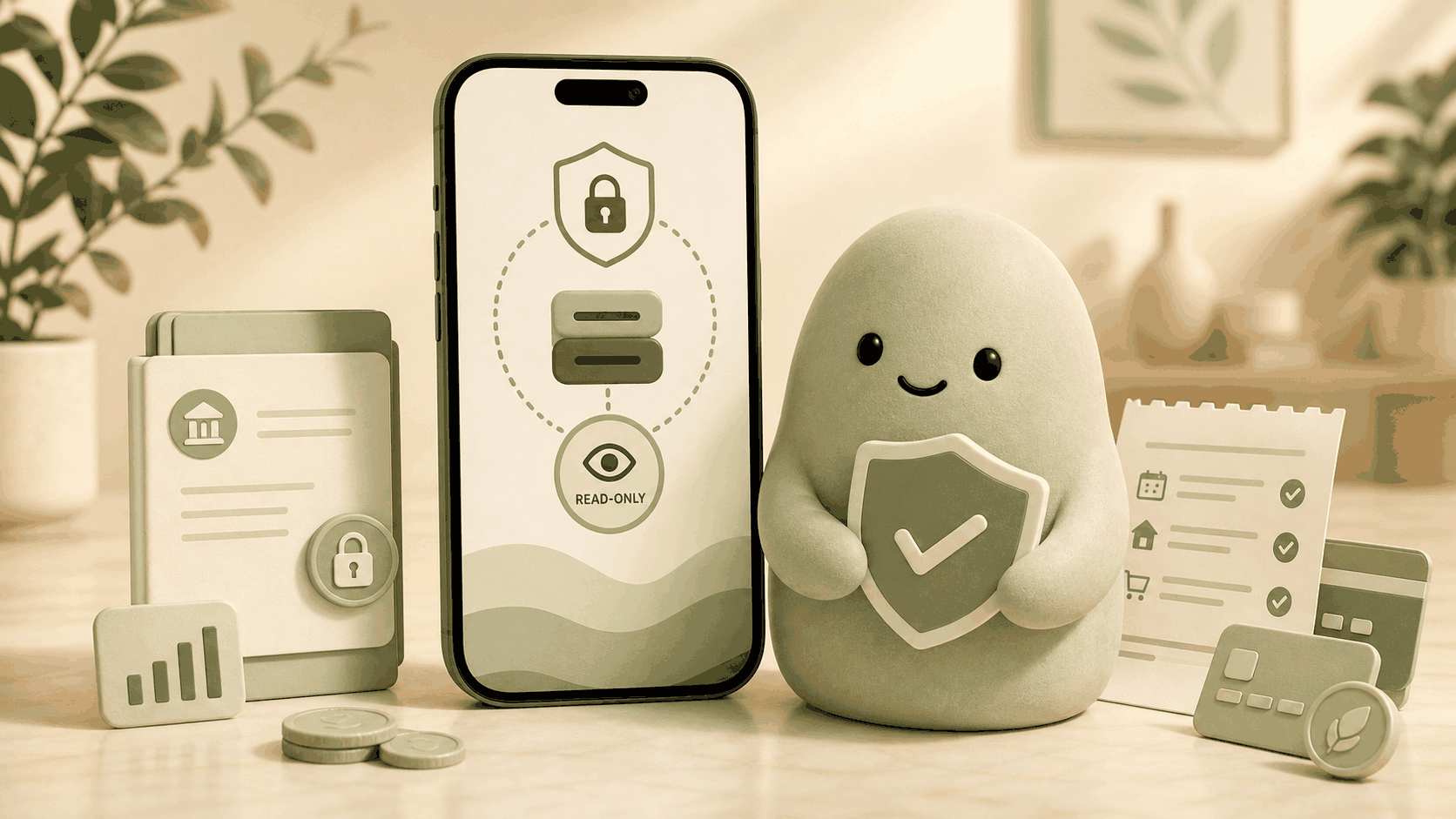
Yes, Pip is read‑only and secure. It connects through a trusted provider using encrypted tokens, can only view balances and transactions, and never moves money. Pip does not store bank usernames or passwords, and data is encrypted in transit and at rest. You get a daily spending number that is available for today, while your money stays at your bank. Pip is not financial advice; it is decision-support software that shows what is available for today.
A realistic example
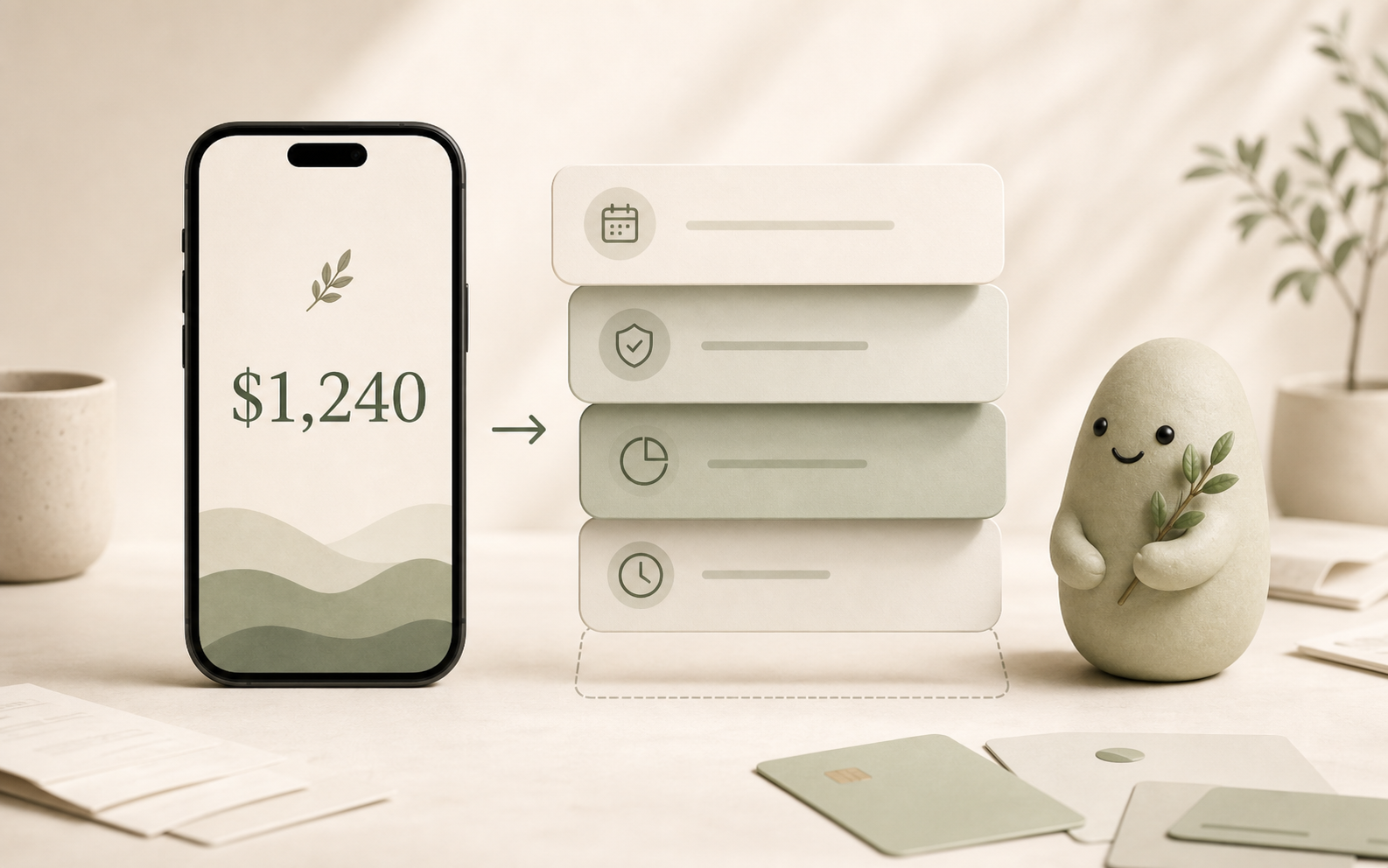
That $125 is a calculated snapshot based on a read‑only look at your recent transactions and upcoming known obligations. Pip does not hold or transfer any funds; the number is just a helpful signal that you can use today, while your real money stays exactly where you left it.
How to estimate it with read-only access
Pip pulls a read‑only summary of cleared transactions and current balances from your linked accounts. It never asks for move‑money permissions, so the connection is strictly for viewing.
From that snapshot, Pip runs a simple arithmetic model to estimate what’s available for today:
Spendable Cash Today = usable cash – near‑term bills – protected savings – already‑committed card/debit spending – other known obligations
Because the data is read‑only, the math happens entirely inside Pip’s secure environment. No money is ever touched. The final number is displayed as a low‑pressure signal: “This is what looks available for today.”
Pip refreshes the view each time you open it, so you always see a recent picture—but only a picture. The underlying money never moves through the app.
What can make this estimate wrong
A read‑only connection gives a reliable snapshot, but a few everyday limits can make the Spendable Cash Today number less precise for the moment you check it:
- Delayed transactions: If a purchase hasn’t cleared yet, Pip won’t see it. Your available for today might look larger than it actually is.
- Missing accounts: If you haven’t linked every checking or credit account, the calculation is incomplete.
- Pending bills not yet reflected: Subscriptions or scheduled transfers that haven’t been debited aren’t included.
- Manual entry gaps: Pip cannot read your mind; if you haven’t set aside a one‑off obligation, the number won’t account for it.
- Authorization holds: Restaurant or gas pump holds may temporarily hide a larger pending amount.
These limits exist whether an app is read‑only or not, but because Pip never moves money, they never create a risk of an unauthorized transaction. The worst case is a slightly less accurate daily number, never a financial loss.
How Pip handles the security and read‑only promise
Pip was built with one hard rule: the app must never touch your money. To deliver that, Pip:
- Uses a read‑only connection through Plaid, the same secure provider used by many major financial apps. The permission granted is explicitly limited to viewing balances and transaction history.
- Never stores your bank username or password. Authentication is handled via tokenized, encrypted handshakes. Your credentials are passed directly to your bank and never land on Pip’s servers.
- Encrypts everything. Data is encrypted in transit (TLS/HTTPS) and at rest using industry‑standard cipher suites. Even if someone intercepted the connection, the information would be unreadable.
- Cannot initiate any movement of funds. There is no transfer, send, or pay feature in Pip. If the app’s code were somehow manipulated, the underlying bank permission set would still block a money‑transfer attempt.
- Does not qualify as financial advice. Pip provides decision‑support numbers, not recommendations. It won’t tell you to invest, save, or spend, only what is statistically available for today based on the read‑only view.
Every part of the design reinforces the same message: Pip is a companion that helps you see your spending picture, without ever stepping into the role of a bank, an advisor, or a money‑mover.
FAQ
Does Pip have permission to move my money?
No. Pip is read‑only and does not move money. The app can only view account balances and transaction history. There is no “transfer” button, no way to initiate a payment, and the access token granted to Pip is explicitly scoped to data viewing only.
Can Pip see my online banking username or password?
Never. Pip does not store bank usernames or passwords. The connection is brokered by Plaid, which uses encrypted tokens and secure APIs. Your actual login credentials are handed directly to your financial institution and are never sent to Pip’s servers.
Is my financial data safe with Pip?
Yes. All data is encrypted both in transit and at rest, with bank‑grade security protocols. Because the app is read‑only, even in the unlikely event of a breach, no attacker could move money or access your login credentials. Pip’s architecture minimizes exposure by design.
Is Pip regulated or insured?
Pip is not a bank, a financial advisor, or a broker, so it is not covered by FDIC insurance or regulatory oversight in the way a bank is. However, Pip’s read‑only model means it never holds your funds, so no insurance for money movement is necessary. Your deposits remain fully protected within your own bank while Pip just presents a daily view.
Why does Pip only need read‑only access for a daily number?
A daily spending number only requires a snapshot of what’s come in and what’s likely to go out. All that information is available from a view‑only connection. Pip never needs to move money to calculate whether $125 is available for today, so read‑only is the safest and simplest approach.
Source notes
This article is based on Pip’s published security architecture, the Plaid integration overview, and internal product documentation. The read‑only permission model has been core to Pip since its earliest design. The information is reviewed for accuracy as of the last update, but always cross‑check with Pip’s official security page for the latest details.