Quick answer
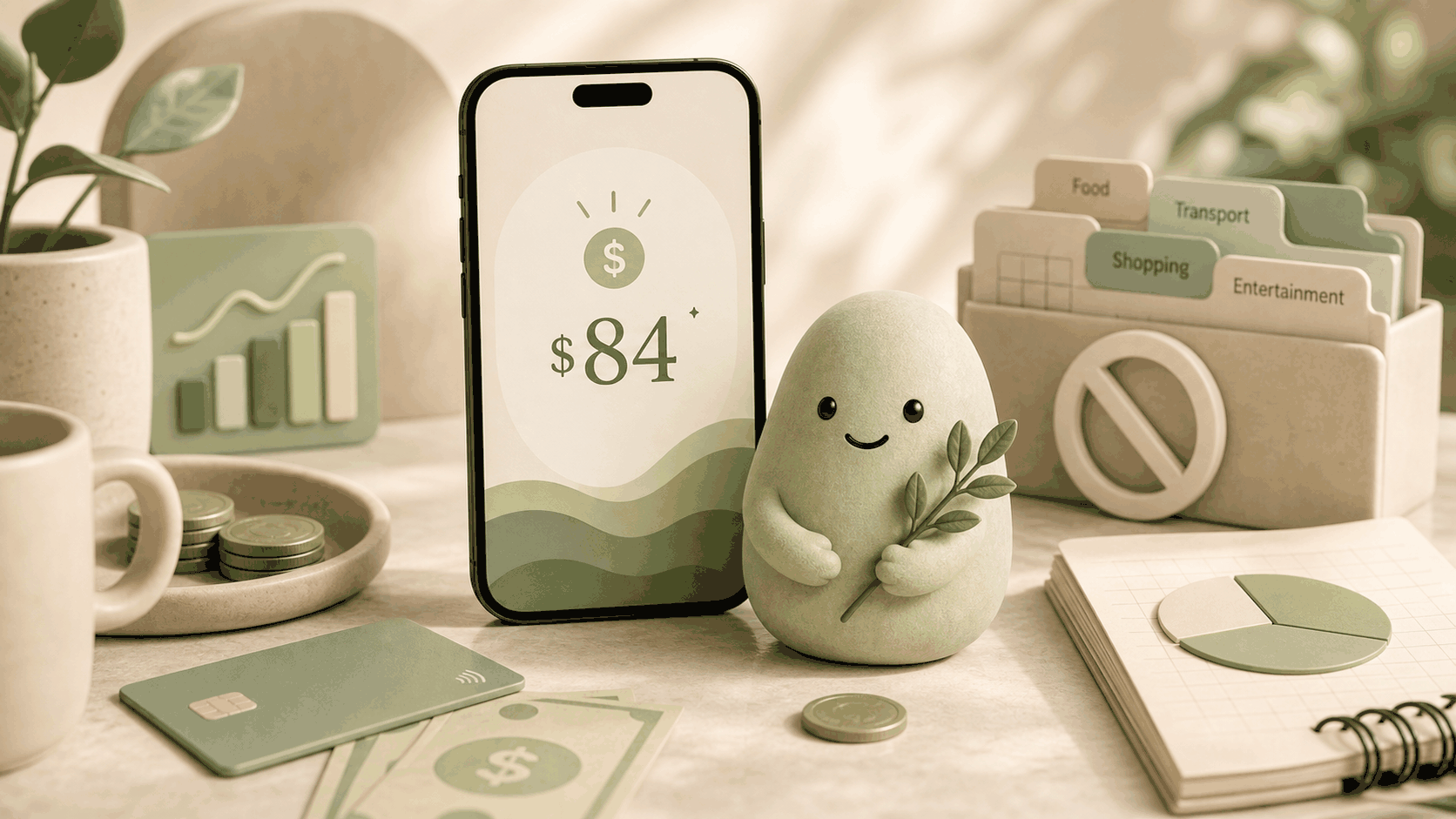
The quick answer: you can spend an amount smaller than your total bank balance. To know what’s actually available for today, subtract everything already spoken for (rent, utilities, upcoming card payments, savings you want to protect) from the cash you see online. Pip does this automatically, giving you one number: Spendable Cash Today. It’s a low-pressure signal that helps you check what’s available for today without a spreadsheet or a guilty “no.”
How to estimate it
You don’t need a budget-just a quick subtraction that follows a simple formula.
Start with usable cash: your checking account balance minus any minimum you want to keep untouched. From that, subtract near-term bills you know are coming (rent, car payment, phone bill, subscriptions that hit soon). Subtract money you’ve set aside for savings, an emergency cushion, or a specific goal. Subtract card or debit spending that hasn’t cleared yet but you’ve already committed. Finally, subtract any other known obligations-a Venmo repayment, a promise to split dinner.
The formula is:
Estimated spendable today = usable cash - near-term bills - protected savings - already-committed card/debit spending - other known obligations
When you run this math for the next few days (not the whole month), you get a number that feels truer than a raw balance. It reflects the bills that are already spoken for, so what’s left is more likely available for today. Pip does this arithmetic every time you open the app, so you never need to re-type the formula.
What can make this estimate wrong
Life is unpredictable, so even a careful calculation can miss things. Here are the most common ways the estimate can drift:
- Forgotten or delayed bills: An annual subscription, a medical copay, or a rent payment that posts late won’t appear in the app until it clears. If you know it’s coming, set that money aside in your head.
- Pending transactions and holds: Restaurants, gas stations, and hotels often place holds that differ from the final amount. The estimate might look larger than it really is until those settle.
- Variable spending and refunds: A grocery trip might cost more than expected, or a refund might land after you’ve already checked. The number is a snapshot, not a guarantee.
- Stale or disconnected accounts: If a bank connection is broken or hasn’t refreshed recently, the data won’t include the latest transactions, making the number less reliable until it syncs.
- Hidden obligations you haven’t entered: Pip can only subtract bills it sees in your transaction history or bills you’ve told it about. If you have a cash obligation, the number won’t account for it.
None of these issues make the estimate useless; they just mean you should treat it as a decision-support signal, not a precise figure. A quick gut check can handle most surprises.
How Pip handles it
Pip replaces manual subtraction with an automatic daily refresh. It connects to your bank accounts with read-only access-it sees balances and transactions but does not move money and does not store bank usernames or passwords. That’s a fundamental boundary: Pip is not financial advice; it’s a companion that shows a clearer number.
Here’s what happens behind the scenes: Pip pulls your current balance, identifies upcoming bills and recurring payments from your transaction history, and subtracts any spending that’s already committed this week. It accounts for savings or minimum-balance guardrails you’ve set. The result is Spendable Cash Today, updated once a day (or when you pull to refresh). You see just that one number, without categories, spreadsheets, or pressure. If a bill hits or a refund lands, the number shifts the next time Pip syncs.
Because Pip never moves money, you’re always in control. The number is a prompt, not a command, that helps you answer “how much can I spend after bills?” without math. If something feels off, you can peek at the breakdown to see which obligations were subtracted and why.
FAQ
What if a bill I forgot hits my account?
Your Spendable Cash Today drops as soon as the transaction clears and Pip sees it. If the number seems too high, quickly scan your bank app for scheduled payments. Pip’s signal is only as complete as the transactions it can observe-it’s a useful snapshot, not a crystal ball.
Does Pip move money to pay my bills?
No. Pip is purely read-only and does not move money. It shows you a spending signal but never touches your accounts, transfers funds, or pays anything on your behalf. You stay in full control of every payment.
How is Spendable Cash Today different from a bank balance?
A bank balance shows everything that’s deposited, even money already spoken for. Spendable Cash Today subtracts upcoming bills, committed card spending, and protected savings to show what’s realistically available for today. It’s built for the “can I buy this?” moment, not for account reconciliation.
Can I adjust the number if a bill isn’t detected?
Yes. Pip lets you flag bills you know are coming so they’re included in the calculation, even if they haven’t appeared in recent transactions yet. That helps the number stay as relevant as possible for your real-world obligations.
Source notes
- Pip uses a read-only account connection, does not move money, does not store bank usernames or passwords, and is not financial advice. The subtraction method described here is a practical application of cash-flow-aware spending decisions widely recommended by financial educators. Pip’s implementation is based on its own read-only transaction analysis, as detailed in *How the number works*. The formula and limits reflect typical checking-account behavior and should be considered a daily decision-support tool, not financial advice. Last updated to align with Pip’s current logic as of April 2025.