
Quick answer
Pip is live on the web. The product is now available at the app path linked from the public site: sign in with Google, subscribe through Stripe, connect read-only account data through Plaid, set monthly savings, and check Spendable Cash Today before the next spending decision.
The waitlist is closed. There is no special launch privilege attached to being on the list. Everyone starts from the same web app path unless Tyler manually grants access case by case.
That sounds like a lot of plumbing, but the product idea is still simple. Before you spend, check Pip. Your bank balance shows what exists. Pip tries to show what is actually usable today after the money has other jobs.
What changed
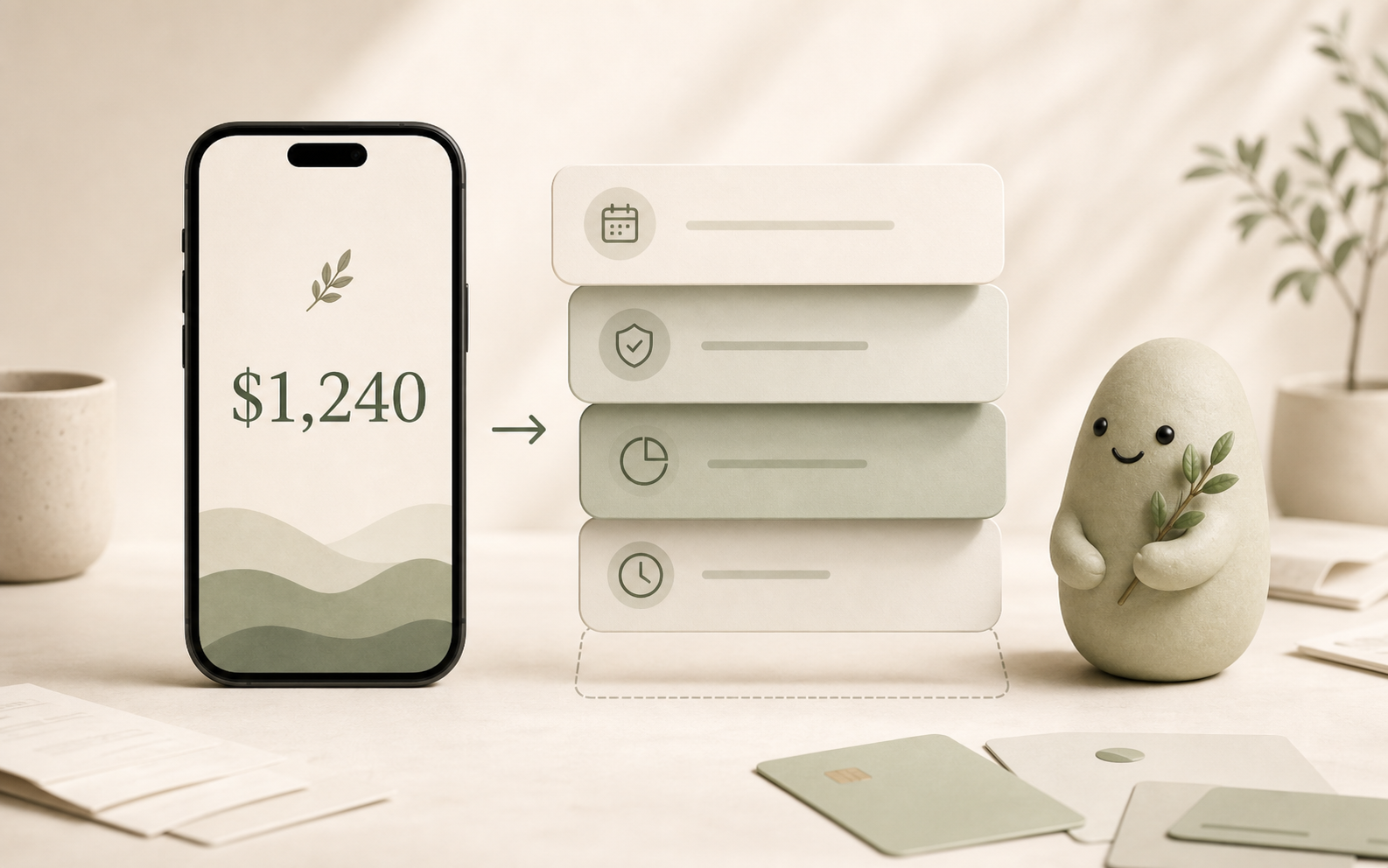
The important change is access. The public website no longer asks people to join a list before they can try the product. The main call to action now points to the web app, and the app flow is direct: Google sign-in, Stripe subscription, monthly savings setup, Plaid connection, then the daily number.
That order matters. Google sign-in gives Pip a verified account identity. Stripe handles the subscription and billing portal. Plaid handles read-only account connection. The monthly savings step tells Pip how much money should be protected from day-to-day spending. Those pieces create enough context for Spendable Cash Today to be useful.
Pip is not trying to become a giant financial dashboard on day one. It is trying to earn a repeatable daily habit. Open Pip, see one number, ask for context if you want it, and leave before the product becomes another chore.
Why the web app comes first
Pip started with mobile ambition because the spending decision often happens away from a desk. That is still true. But shipping the product as a web app gets the real behavior into people's hands faster and keeps the release simpler.
The web app is enough for the first public release because the job is not tied to an app store. You need a fast, trustworthy place to check Spendable Cash Today. A same-domain web app can handle sign-in, billing, account connection, onboarding, and support without waiting for native distribution.
This also keeps the product easier to inspect. Pip is opening the app logic as source code while keeping the production website, deployment wiring, and provider accounts private. That split lets people see the proof of work without connecting the public repository to Tyler's Supabase, Plaid, Google, Stripe, Netlify, or AI provider accounts.
What Pip shows first
Pip shows Spendable Cash Today. It is one daily number for the question people actually ask before spending: can I do this today without making the near future worse?
The number starts from connected balances and transactions, then adjusts for recurring obligations, monthly savings, recent spending pace, pending committed spend, and cash reality. It is not magic. It is product math over the context Pip can see.
That means the number can be wrong or incomplete when the data is wrong or incomplete. A missing card, stale connection, cash spending, shared account, manual bill, delayed transaction, or unusual one-time event can change the picture. Pip should say that plainly rather than pretending the signal is perfect.
The point is not to replace judgment. The point is to replace the misleading habit of glancing at a raw bank balance and treating the whole balance as open spending room.
What happens after sign-in
The first signed-in step is payment. Pip is a paid product because the business model should be straightforward: users pay for the tool, and financial data should not be the product. Stripe handles the subscription and the billing portal.
After that, Pip asks for a monthly savings amount. This is the money you want the daily number to protect before suggesting day-to-day room. The default can be small, but the setting matters because "available to spend" should not mean "everything left after bills."
Then Pip connects account data through Plaid in read-only mode. Pip needs account context to calculate the number, but it cannot move money. It cannot transfer funds, pay bills, withdraw, invest, borrow, or send money from connected accounts.
Once the setup is complete, Pip shows the number and lets you ask follow-up questions. You can ask why it changed, whether a purchase fits today, what data may be missing, or what recurring obligations are affecting the read.
What Pip is not
Pip is not a bank, broker, lender, tax advisor, credit counselor, or financial advisor. It is not a promise that a purchase is safe. It is not a guarantee that every future obligation is known. It is decision support for a narrow moment: the moment before spending.
Pip also is not a full budget system. There are no category envelopes to maintain before the main number becomes useful. There is no expectation that you will become a spreadsheet person. The product is intentionally opinionated: the first answer should be one daily signal.
AI helps explain the number and answer questions, but AI does not own the calculation. Spendable Cash Today comes from product math. The explanation layer should make the math easier to understand, not invent a new money reality.
Why this launch matters
Pip is a small product with a strong point of view: money software should be lighter at the exact moment people need it. A raw bank balance is too blunt. A full dashboard is often too heavy. Pip is trying to live in the middle as a daily companion with one useful number.
The first public web release is proof that the whole loop can work: sign in, pay, connect read-only data, protect savings, see the number, and ask why. The next work is making that loop more reliable, clearer, faster, and easier to trust.
Source notes
To understand the number, read What is Spendable Cash Today?. To understand the bank-balance problem, read Why your bank balance is misleading. To review account and money-movement boundaries before connecting data, read Pip security details.